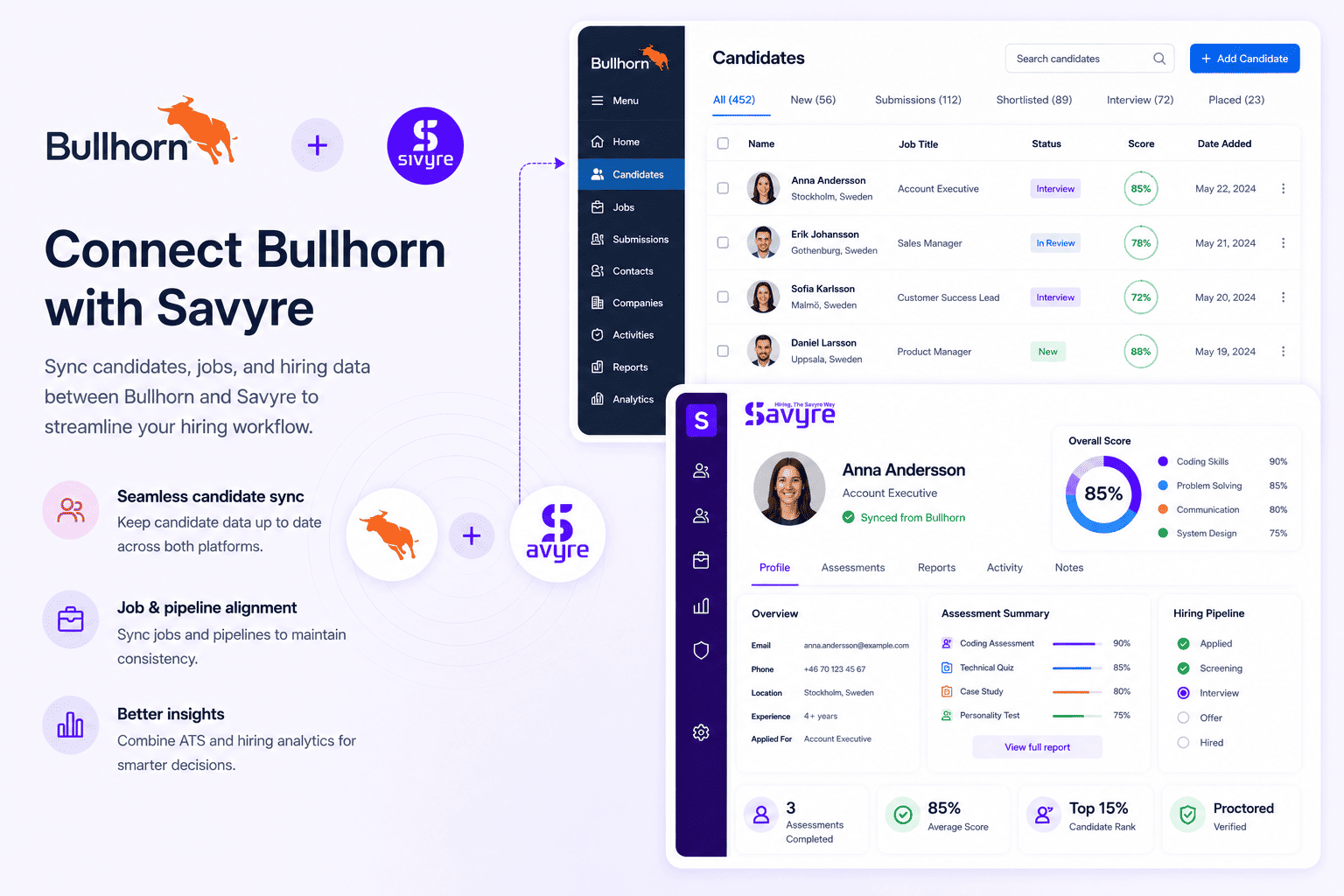
Bullhorn + Savyre
Bullhorn ATS Integration for Staffing Skill Validation
Staffing workflows powered by skill data
Equip Bullhorn staffing and recruiting agencies with Savyre so placements are backed by proven technical ability—faster submissions, stronger client confidence, and less resume roulette.
- Trigger Savyre from Bullhorn pipelines before client submission
- Sync skill scores onto candidate records recruiters already live in
- Differentiate placements with evidence clients can trust
Setup
Connect Savyre with Bullhorn
Agency teams connect Bullhorn, map submission-ready stages to Savyre, and start validating contractors and permanent candidates before they hit the client.
Connect Bullhorn
- Open Savyre → Integrations → Bullhorn
- Authenticate with Bullhorn REST credentials
- Confirm access to candidates, jobs, and placements workflows
Fit agency pipelines
- Select Bullhorn job types that need technical proof
- Choose the stage before client submission or interview
- Map candidate fields used in submissions and notes
Activate
- Enable the Bullhorn integration
- Test with a sample contractor or perm candidate
- Submit to clients with skill evidence attached
Trigger assessment
Assess candidates from Bullhorn
Automate when candidates move toward submission, or manually assess hot candidates when a client asks for verified technical depth.
- Move candidates to your Bullhorn assessment stage
- Savyre sends without slowing desk productivity
- Scores sync back for submission packages
- Open the Bullhorn candidate record
- Start Savyre when a client RFP demands skill proof
- Track completion inside the agency workflow
Results
Win more Bullhorn placements with proven skills
- Scores on Bullhorn candidate profiles recruiters use daily
- Report links to strengthen client submissions
- Fewer bounce-backs from candidates who cannot perform
FAQ
Bullhorn + Savyre FAQs
Yes. Content and triggers focus on pre-submission validation, multi-client pipelines, and recruiter desk speed—not only corporate HR flows.
Need help? Contact our team or email support@savyre.com
Explore more
 Install VS Code Extension
 Install Cursor Extension