
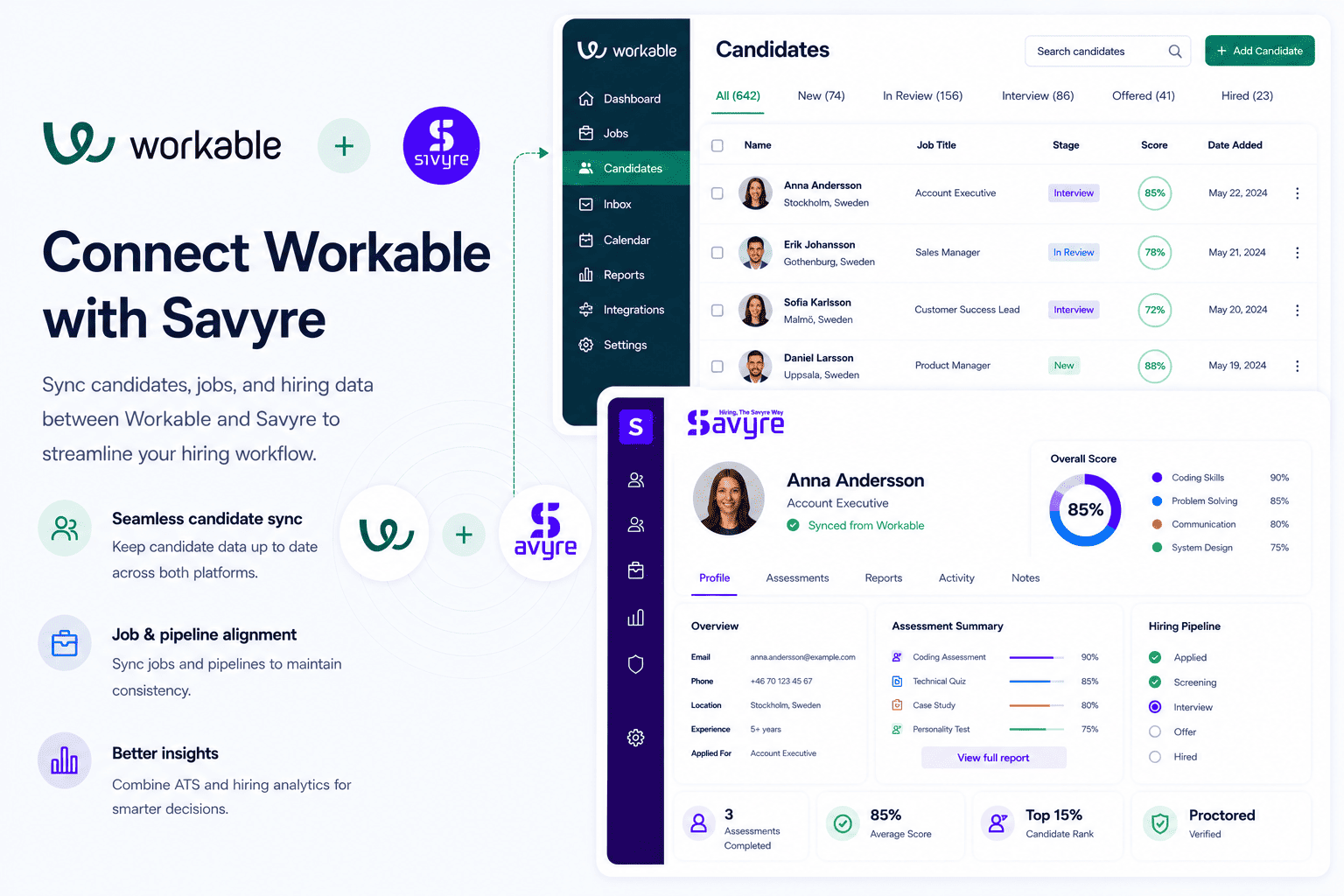
Workable + Savyre
Workable ATS Integration for Skills-First Hiring
Hire faster with skills-first screening
Connect Savyre with Workable so growing teams can screen developers with real-world coding tasks—not resume keywords—inside the ATS SMBs already run day to day.
- Launch Savyre assessments from Workable pipeline stages without extra tools
- Sync scores and skill reports back to each Workable candidate profile
- Cut false-positive interviews by validating practical coding ability early
Setup
Connect Savyre with Workable
Most Workable teams connect Savyre in minutes and start sending role-based assessments from their existing jobs and stages.
1
Connect Workable
- Open Savyre Dashboard → Integrations → Workable
- Authorize with your Workable API key or admin credentials
- Confirm account access for jobs and candidates
2
Map hiring stages
- Pick the Workable job or role template to assess
- Choose the pipeline stage that should trigger Savyre
- Map candidate name, email, and job fields between systems
3
Go live
- Enable the Workable integration
- Send a test assessment from a sample candidate
- Start skills-first screening across open requisitions
Trigger assessment
Assess candidates from Workable
Trigger evaluations when candidates move through Workable stages, or launch one assessment from a profile when you need a quick technical signal.
Automatic
- Move a candidate to your selected Workable stage
- Savyre sends the assessment email automatically
- Completion status and scores sync back into Workable
Manual
- Open the candidate in Workable
- Start a Savyre assessment from the profile action
- Review progress without leaving your Workable workflow
Results
See skill evidence on every Workable profile
- Assessment scores appear on the Workable candidate profile
- Shareable report links for hiring managers and interviewers
- Compare technical fit before you schedule deep interviews
Practical coding signal
Faster SMB screening
Fewer wasted interviews
FAQ
Workable + Savyre FAQs
Yes. Workable teams often need fast setup and practical screening. Savyre adds real-world skill proof without a heavy enterprise rollout.
Need help? Contact our team or email support@savyre.com
Explore more
 Install VS Code Extension
 Install Cursor Extension