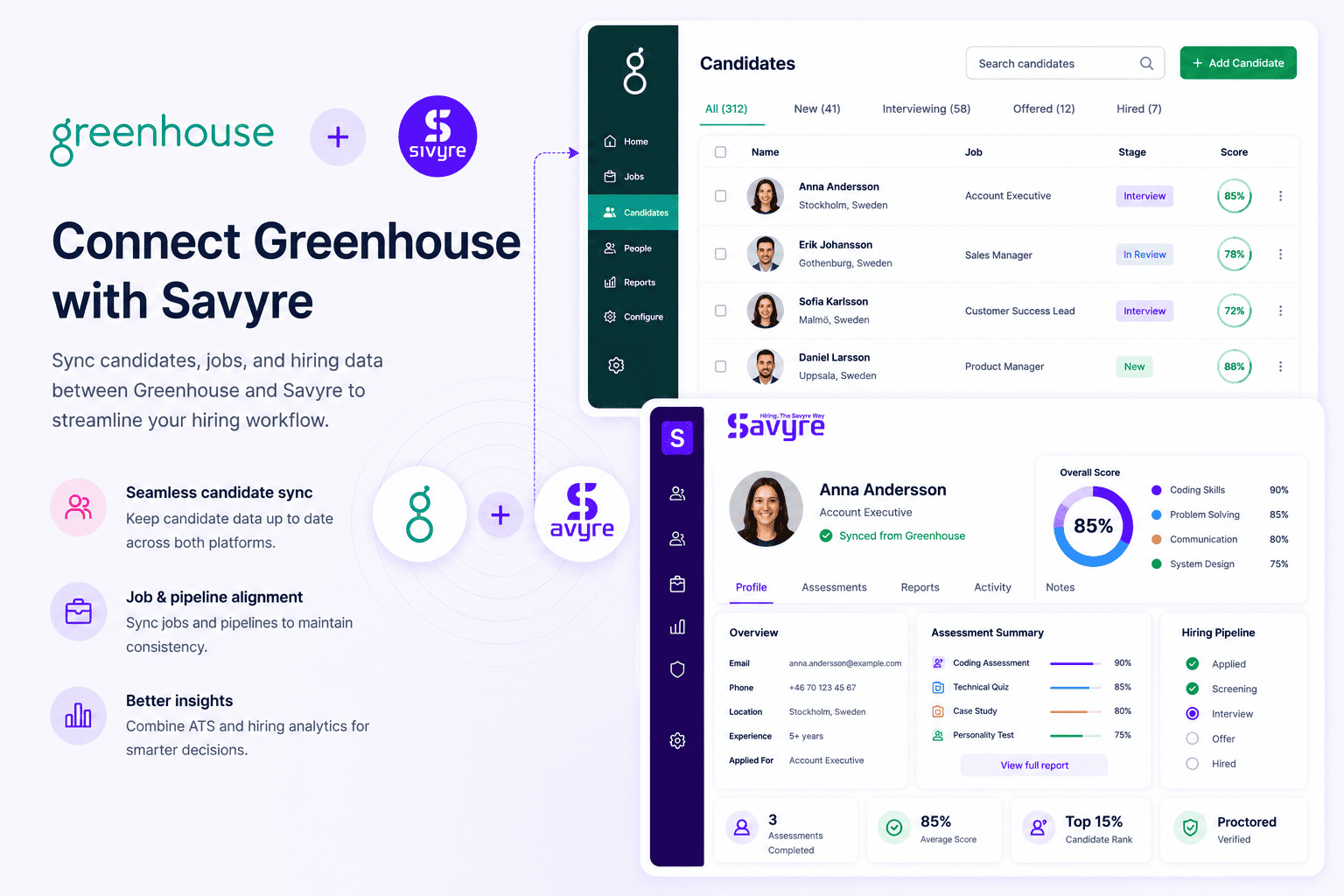
Greenhouse + Savyre
Greenhouse ATS Integration for Structured Skills Hiring
Structured hiring meets real-world validation
Add Savyre to Greenhouse structured hiring so scorecards and interview kits are backed by real-world coding evidence—not only resume screens and panel notes.
- Trigger Savyre from Greenhouse pipeline stages and job setups
- Feed skill scores into structured hiring decisions and scorecards
- Reduce bias from gut-feel interviews with consistent technical proof
Setup
Connect Savyre with Greenhouse
Wire Savyre into Greenhouse the same way you configure structured stages—pick jobs, stages, and templates, then activate.
1
Connect Greenhouse
- Go to Savyre Dashboard → Integrations → Greenhouse
- Add Harvest API key or Harvest credentials
- Authorize jobs, candidates, and scorecard-related fields
2
Fit structured hiring
- Select Greenhouse jobs that need technical validation
- Choose the stage before or after take-home / tech screen
- Map candidate fields so results land on the right profile
3
Activate
- Enable the Greenhouse integration
- Send a test assessment on a sandbox candidate
- Run structured hiring with real skill evidence in the loop
Trigger assessment
Assess candidates from Greenhouse
Automate when candidates hit your Greenhouse tech-screen stage, or launch manually when coordinators need an on-demand evaluation.
Automatic
- Advance candidates to your selected Greenhouse stage
- Savyre assessment sends as part of structured process
- Status and scores sync back to Greenhouse
Manual
- Open the Greenhouse candidate profile
- Start Savyre when interview kits need extra evidence
- Keep coordinators and HMs aligned in one pipeline
Results
Strengthen Greenhouse scorecards with skill proof
- Scores attached to Greenhouse candidate profiles
- Report links for interviewers preparing scorecards
- Clearer advance/reject decisions before onsite loops
Structured hiring fit
Scorecard-ready evidence
Bias-resistant signal
FAQ
Greenhouse + Savyre FAQs
Greenhouse organizes fair, repeatable process. Savyre adds consistent real-world skill evidence before or between interview stages.
Need help? Contact our team or email support@savyre.com
Explore more
 Install VS Code Extension
 Install Cursor Extension