Fountain + Savyre
Fountain ATS Integration for High-Volume Skill Checks
High-volume hiring with skill verification
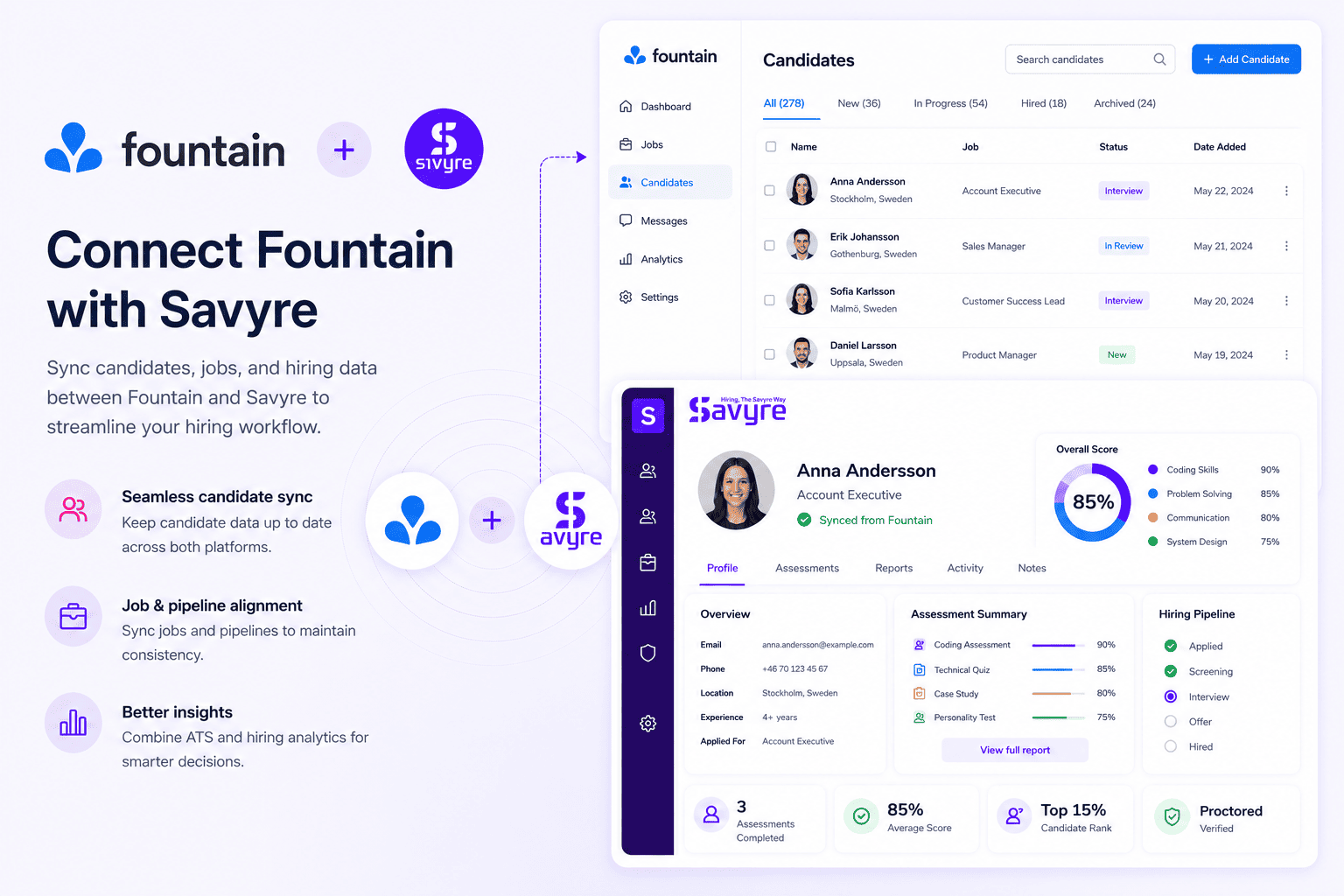
Plug Savyre into Fountain high-volume hiring so frontline and technical pipelines can verify skills at scale—without slowing automated workflows or flooding interview calendars.
- Trigger lightweight or role-based Savyre checks from Fountain stages
- Sync pass/fail and score data back into high-volume candidate records
- Filter large applicant pools with practical skill gates before interviews
Setup
Connect Savyre with Fountain
Connect Fountain, attach assessments to high-throughput stages, and keep volume hiring fast while adding a skills checkpoint where it counts.
1
Connect Fountain
- Go to Savyre Dashboard → Integrations → Fountain
- Add Fountain API or webhook credentials
- Confirm access to openings and applicant flows
2
Tune for volume
- Select high-volume Fountain openings that need skill gates
- Choose the stage that should auto-send assessments
- Map applicant fields for reliable status sync
3
Activate
- Enable the Fountain integration
- Test with a sample applicant at peak-flow settings
- Scale skill verification across locations or openings
Trigger assessment
Assess candidates from Fountain
Automate assessments for every applicant who hits a Fountain stage, or manually invite edge cases that need a deeper technical look.
Automatic
- Applicants reach your Fountain assessment stage
- Savyre invites send without recruiter intervention
- Results sync so volume pipelines keep moving
Manual
- Open an applicant in Fountain
- Launch Savyre for exceptions or senior technical tracks
- Monitor completion inside the same high-volume flow
Results
Keep Fountain pipelines moving with clear skill gates
- Scores and completion status on Fountain applicant records
- Report links when hiring managers need deeper review
- Fewer interviews for candidates who cannot clear the skill bar
High-volume friendly
Automated skill gates
Less interview overload
FAQ
Fountain + Savyre FAQs
Yes. Assessments trigger from stages and sync results automatically so recruiters are not manually chasing every applicant.
Need help? Contact our team or email support@savyre.com
Explore more
 Install VS Code Extension
 Install Cursor Extension