
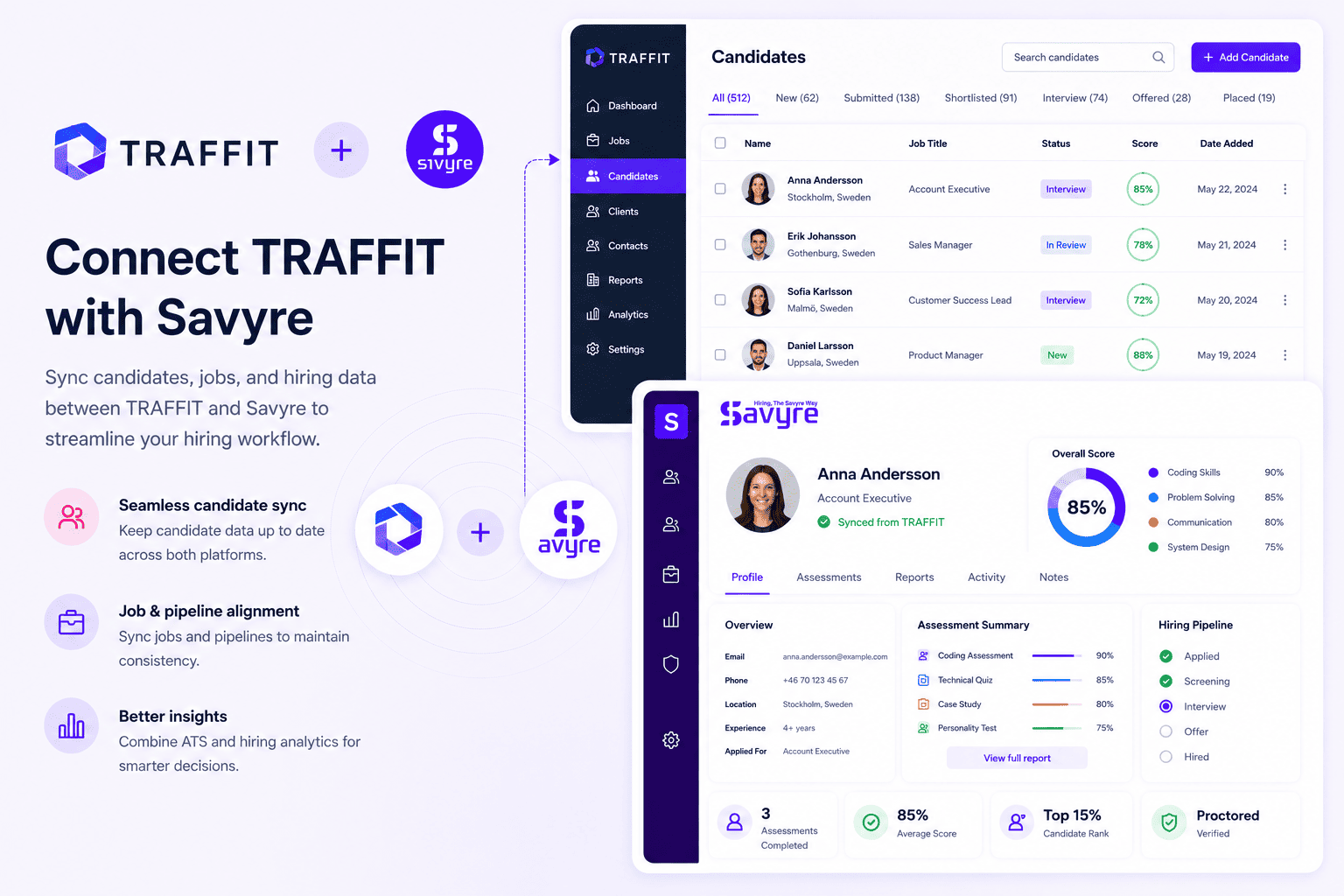
TRAFFIT + Savyre
TRAFFIT ATS Integration for Automated Skills Screening
Recruitment automation with Savyre assessments
Combine TRAFFIT recruitment automation with Savyre so automated pipelines still stop for real skill verification—less manual chasing, more confident technical shortlists.
- Hook Savyre into TRAFFIT automation rules and pipeline stages
- Auto-sync assessment outcomes into automated candidate flows
- Keep TA automation while adding a human-proof skills gate
Setup
Connect Savyre with TRAFFIT
Connect TRAFFIT, attach Savyre to the automation steps that already move candidates, and turn skill checks into part of your recruitment machine.
1
Connect TRAFFIT
- Open Savyre → Integrations → TRAFFIT
- Add TRAFFIT API or webhook credentials
- Confirm access to projects and candidate pipelines
2
Wire into automation
- Select TRAFFIT projects that need technical gates
- Choose the automated stage or rule that triggers Savyre
- Map candidate fields used by your automations
3
Activate
- Enable the TRAFFIT integration
- Run a test through an automated path
- Scale skills screening with your TRAFFIT automations
Trigger assessment
Assess candidates from TRAFFIT
Let TRAFFIT automations launch assessments, or manually invite when a recruiter overrides the flow for a critical hire.
Automatic
- TRAFFIT automation moves a candidate to the assessment step
- Savyre invite sends without manual follow-up
- Status and scores sync back into the automated pipeline
Manual
- Open the TRAFFIT candidate profile
- Start Savyre outside the default automation when needed
- Keep visibility inside the same TRAFFIT project
Results
Skill outcomes inside TRAFFIT automations
- Scores available on TRAFFIT candidate records
- Report links for recruiters reviewing automated shortlists
- Automation continues only for candidates who clear the bar
Automation-friendly
Skills gate in-flow
Less manual chasing
FAQ
TRAFFIT + Savyre FAQs
Yes. Trigger assessments from automated stages so skill checks become part of the recruitment flow, not a side process.
Need help? Contact our team or email support@savyre.com
Explore more
 Install VS Code Extension
 Install Cursor Extension